

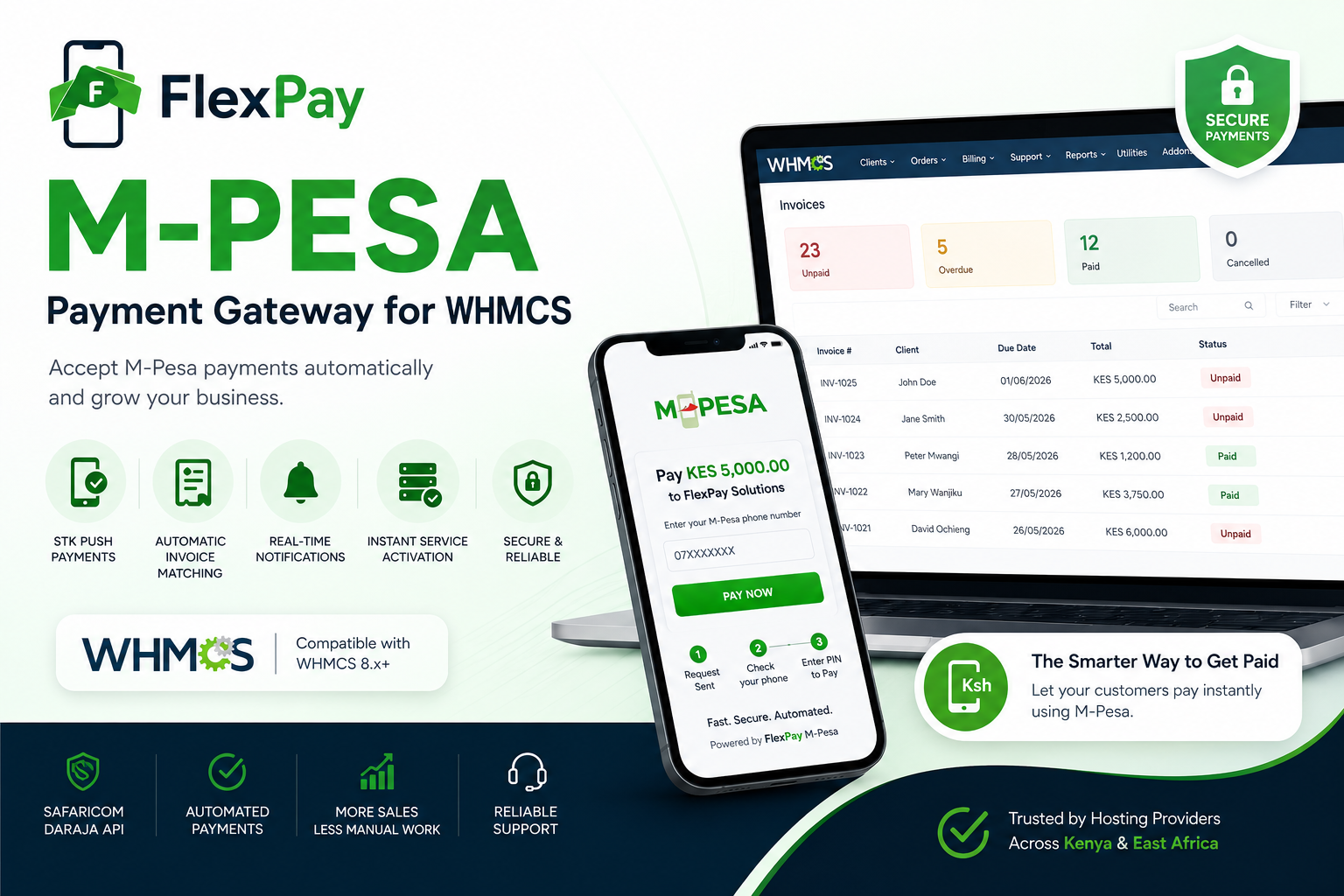
Lipa Na M-Pesa Online
Automated Reconciliation
Automated Refunds
Full Management
modules/gateways/flexpay.php
modules/addons/flexpay_dashboard/
WHMCS Admin Dashboard
Every time an invoice page loads, the gateway checks whether your shortcode + domain + sandbox/live flag has changed since the last successful registration. The instant something changes, it silently re-registers with Daraja. No manual step, ever, even after a domain migration.
When a customer pays via the M-Pesa menu and fat-fingers the account reference — `INV42` instead of `INV-42`, or just `42`, or `0000042` — FlexPay's reference parser extracts the invoice number anyway and applies the payment automatically. Only genuinely unparseable references land in the Reconciliation queue.
Lenient mode (default) never blocks a real payment over a formatting quirk — it reconciles in the dashboard instead. Strict mode rejects unrecognised references immediately, before Safaricom finalizes the payment.
Matches by parsing invoice number from reference
Matches by exact amount against open invoices
BillRefNumber empty for Till payments — there's never a reference to match against. FlexPay handles this intelligently.
Lipa Na M-Pesa Online checkout widget with live polling
Fully automated Paybill payment reconciliation
Triggered by WHMCS native Refund button
Full reversal support via Daraja API
Live status queries via Daraja
On-demand balance queries + historical trend
Customers verify payments instantly
Full audit trail of every API call
HMAC-token model proves the request came from a legitimately-rendered page for that specific invoice and amount.
Every lookup is invoice-locked. A receipt belonging to a different invoice is reported as "not found" — never described, confirmed, or used to leak which invoice it actually belongs to.
Live Daraja status queries are rate-limited per invoice — enough for genuine retries after a typo, not enough to spam Daraja or enumerate receipts.
?route=stk_result
STK Push
?route=c2b_check
C2B Check
?route=c2b_receipt
C2B Receipt
?route=disbursement_result
B2C
?route=reversal_result
Reversal
?route=balance_result
Balance
A manual fallback schema is included at sql/install.sql but you should never need it — both modules create these tables automatically and idempotently on first load/activation.
7.x or 8.x with Capsule/Eloquent database support (standard since WHMCS 6.0)
7.4+ (tested against PHP 8.3)
Sandbox or production from developer.safaricom.co.ke
Required for your WHMCS install (Safaricom rejects HTTP callback URLs)
Complete WHMCS M-PESA Module Suite
Version 3.1.0 | Released 2026
Priority support and installation assistance.
Get assistance from our expert team
Customer self-verification on the invoice page
Critical settlement fix + intelligent Till/Paybill matching
Dashboard crash fixes
Upload the full contents to your WHMCS root, preserving folder structure exactly (modules/gateways/..., modules/addons/...).
Setup → Payments → Payment Gateways → Find "M-Pesa via FlexPay (Daraja)" → Activate, then fill in your credentials.
Setup → Addon Modules → Find "FlexPay Dashboard (M-Pesa / Daraja)" → Activate → Configure.
C2B URLs register themselves automatically. The admin homepage widget appears automatically once the addon is active.
* FlexPay is developed and maintained by Editoria Web Services. All rights reserved.

.png) Авторски права © 2026 Editoria Web Services. Сите права се задржани. & ❤️ For Our Clients | All Rights Reserved
Авторски права © 2026 Editoria Web Services. Сите права се задржани. & ❤️ For Our Clients | All Rights Reserved